
How to take better photos with your smartphone. Your compact smartphone harbours formidable photographic capabilities. Below are essential tips to help you seize breathtaking photos:
Master The Light
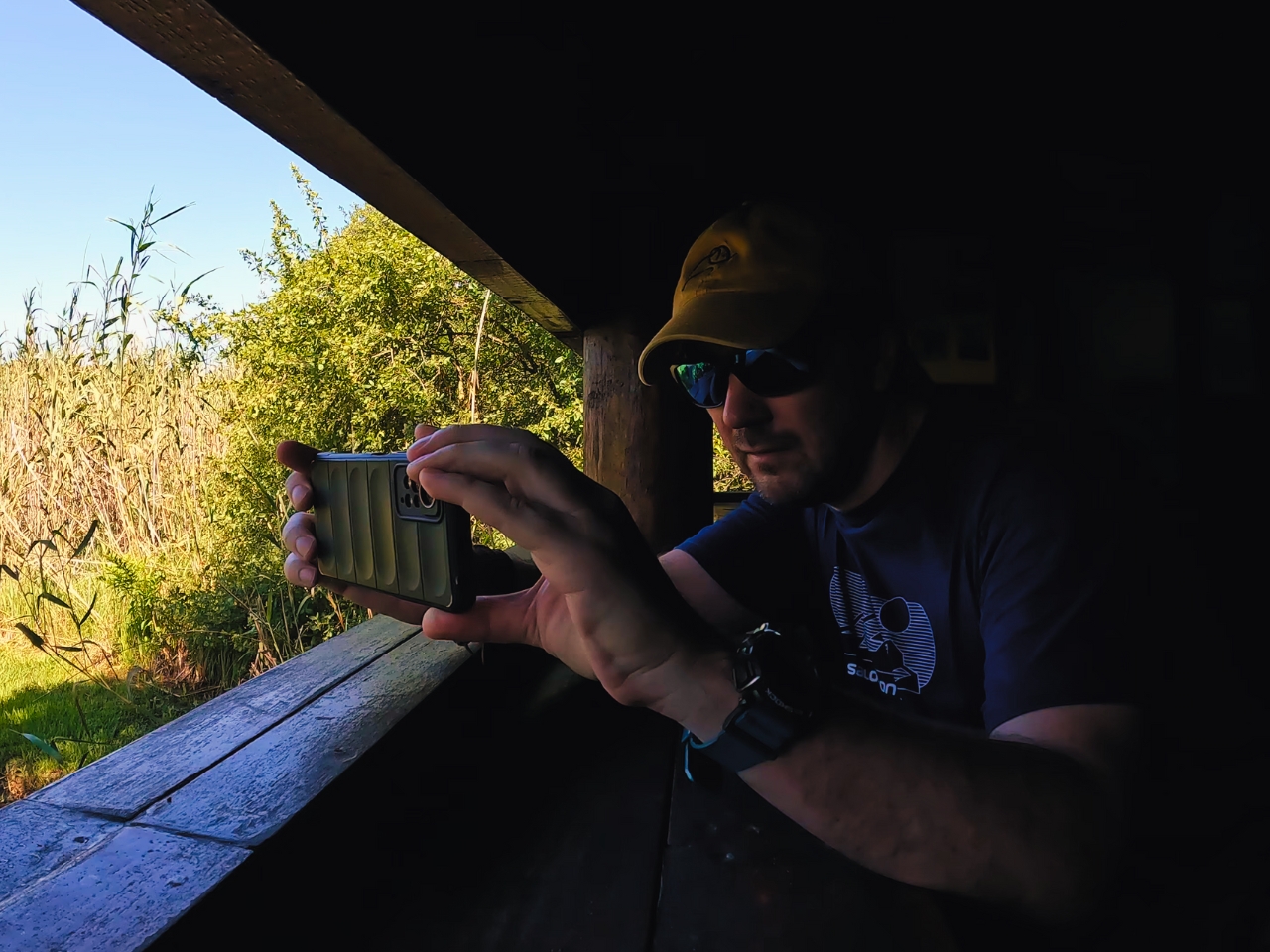
Embrace natural light: Whenever possible, harness natural light for a flattering and authentic appearance in your photos. Steer clear of depending solely on your phone’s flash, which may result in harsh shadows and artificial hues.
Diffuse harsh light: When faced with unavoidable direct sunlight, consider diffusing it using a sheer curtain or positioning your subject in partial shade. Optimal soft light for portraits and landscapes can be found on cloudy days.
Compose Your Shot

Rule of thirds: Visualize dividing your camera screen into a 3×3 grid. For a composition that is both balanced and visually captivating, place your subject at one of the intersecting points. Most modern smartphones have gridlines. Use them.
Leading lines: Employ natural elements such as roads, fences, or rivers in your surroundings to guide the viewer’s gaze into the photo, enhancing its depth and visual appeal.
Fill the frame: Move in close to your subject to remove distracting background clutter and accentuate the specific details you aim to capture.
Capture Sharp Photos
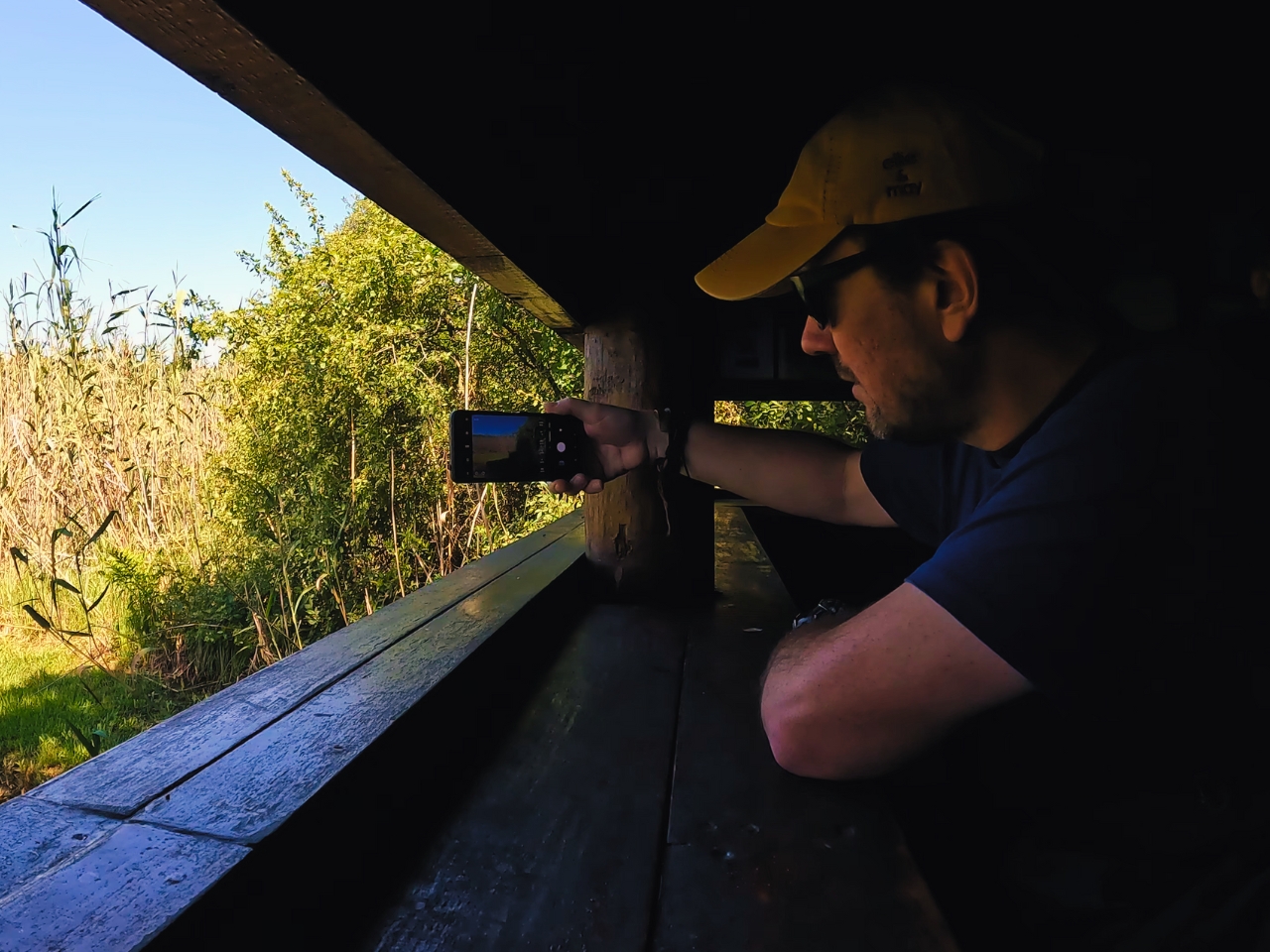
Clean your lens: Ensure clear photos by addressing a dirty lens. Utilize a microfiber cloth to delicately wipe away any smudges before snapping your shot.
Tap to focus: With most smartphone cameras, you can tap on the screen to set the focus on a particular area, guaranteeing your subject appears sharp and clear.
Hold steady: Minimize the risk of blurry photos caused by camera shake, particularly in low-light settings, by employing a tripod or steadying your phone against a stable object for sharper image results.
Explore Your Modes
HDR mode: This mode captures multiple exposures at varying light levels, merging them into a single image with enhanced detail in both highlights and shadows. It’s particularly effective for high-contrast scenes such as landscapes.
Portrait mode: This mode mimics the blurred background effect seen in professional cameras, effectively highlighting your subject and making it stand out.
Editing Magic
Built-in editing tools: Many smartphone cameras offer basic editing tools such as cropping, brightness adjustment, and filters. Employ these tools subtly to enhance your photos.
Third-party apps: Look for free or paid photo editing apps to access more advanced editing features, such as colour adjustments, text addition, and creative effects applications.
Keep in mind that practice leads to perfection! Experiment with various techniques, and don’t hesitate to bend the rules to discover your unique style. With some dedication, you can turn your smartphone into a potent instrument for capturing breathtaking photos.
I hope these recommendations give you a good overview of photographing with your smartphone.
Some Helpful Links